How to Advertise on ChatGPT: Step-by-Step Ads Manager Guide
Sign up at ads.openai.com, verify your business, then build a campaign, an ad group and several ads. Install the OpenAI Pixel before you spend.

- Key Takeaways
- Lorem ipsum dolor sit amet
- Lorem ipsum dolor sit amet
- Lorem ipsum dolor sit amet
- Lorem ipsum dolor sit amet
Let’s find the perfect ad strategy for you.
We’ll explore your current setup and see how to scale your business.
Schedule CallKey takeaways
- You advertise on ChatGPT through OpenAI's self-serve Ads Manager at ads.openai.com, open in 89 countries as of October 2026.
- Setup has four steps: business details, account details, identity verification and account review. Country, currency and timezone can't be changed later.
- A campaign has three layers: the campaign (goal, cost target, locations, daily budget from $25), the ad group (landing page, context hints) and the ads (50 character title, 100 character description, square image).
- Install the OpenAI Pixel, ideally with the Conversions API, before launch. Without it you can't tell whether ChatGPT brings customers or only clicks.
- Write many ad variants with different angles. ChatGPT matches ads to conversations, not keywords, so variety decides how often you show up.
Can you run ads on ChatGPT?
Yes. Any business in a supported market can buy ChatGPT Ads through OpenAI's self-serve Ads Manager. As of October 21, 2026, OpenAI lists 89 countries as available for self-service (Digital Applied). Self-serve opened in the US in May 2026 and in Europe, India, the Middle East and North Africa on August 31.
Your ads reach people on ChatGPT's Free and Go plans. Plus, Pro and business plans don't show ads. Each ad appears below ChatGPT's answer, is labeled as sponsored and doesn't change what ChatGPT says.
There is no contract or minimum commitment. Each campaign needs at least $25 a day in the US, and we break down cost targets and budgets in our guide to what ChatGPT Ads cost.
What is the ChatGPT Ads Manager?
It's OpenAI's platform for creating campaigns, setting budgets and cost targets, targeting by location and audience, and measuring conversions. If you have used Google Ads or Meta Ads Manager, the structure will feel familiar. The big difference is that there are no keywords. You describe when your offer is useful, and ChatGPT matches your ad to conversations where it fits.
Reports show impressions, clicks, spend, CTR, average CPC, average CPM and conversions. Impressions and clicks refresh about every 15 minutes, while spend can lag by 7-8 hours, so a campaign that shows $0 on its first morning is usually already spending. Don’t pause a campaign or raise bids based on its first few hours of spend data.
You can also manage campaigns from inside ChatGPT. Since September 16, 2026, an Ads Manager plugin lets you create, update and analyze campaigns with plain-language prompts, and HubSpot and Shopify can now run ChatGPT Ads from their own dashboards (PPC Land).
How do you set up a ChatGPT Ads account?
Sign in at ads.openai.com with an OpenAI business account and work through four steps:
- Business details. Your legal entity name, website, address and tax ID.
- Account details. Country, currency, timezone, advertiser type (business or individual) and whether you advertise for clients as an agency. These settings can't be changed later.
- Verification. OpenAI checks your identity through Persona, a third-party verification provider. Have your business registration details and a director's ID ready.
- Account review. Your status shows “Application in review” until OpenAI clears you, and you get an email when it does. OpenAI warns that verification can take time when sign-up volume is high, so plan for days, not hours.
Two more things block your ads from serving until they're done: a billing method and an account logo. Billing is postpay, so you're charged after ads deliver. The logo appears next to every ad, so use a clean square version.
Business Unicorn tip: Set the account timezone to match your Google Ads account. When both channels report on the same day boundaries, comparing cost per conversion week by week stays simple, and you can't fix a mismatch later.
How do you create your first ChatGPT Ads campaign?
Build it in three layers: the campaign, the ad group and the ads. The logic is close to Google Ads, with context hints instead of keywords.
Campaign: goal, locations, budget and cost target
Pick a goal first, because it decides how you pay. Views charges per 1,000 impressions, Clicks per click, and Conversions optimizes for your tracked conversions while still charging per click.
Then set locations (country, region, DMA or postal code), a daily budget and, if you want, a cost target: Target CPC for Clicks or Target CPA for Conversions. Without one, intelligent bidding gets the most results from your budget. For a first campaign, start with Clicks so you can compare cost per conversion with your other channels from week one.
Ad group: landing page and context hints
Add the landing page URL, then write context hints: short descriptions of the moments when your offer helps. They are not exact-match keywords. Write them the way a buyer would describe their situation, for example “A marketing lead comparing project management tools for a 20-person agency.”
Custom audiences, like an uploaded customer list, adjust your bids rather than limiting who sees the ad. Use them to bid higher for people you already know, not as a filter.
Ads: title, description and image
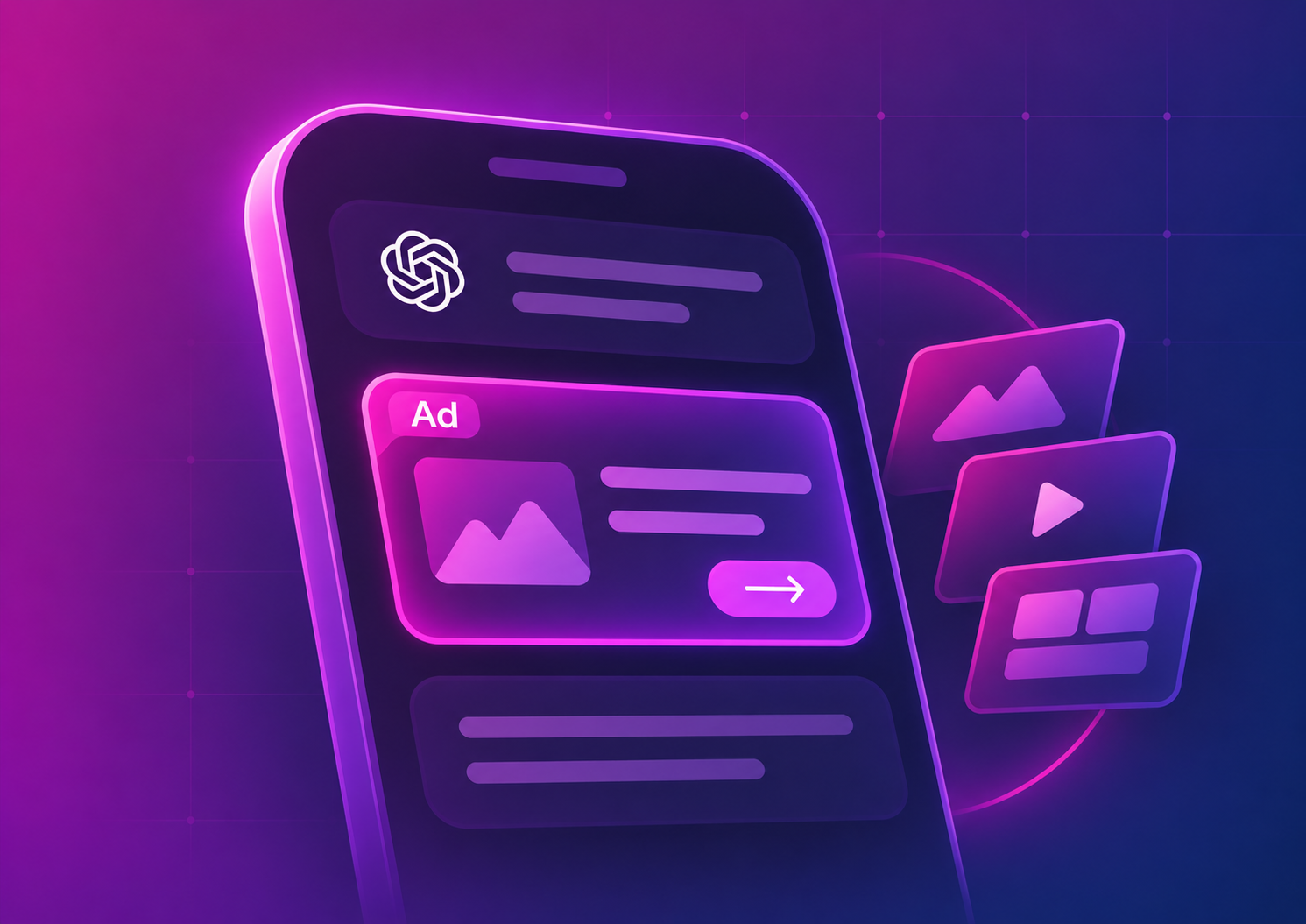
Each ad is a small card under the answer. These are the fields:
Before you submit, check that robots.txt, Cloudflare or your CDN don’t block OpenAI’s crawlers (OAI-AdsBot and OAI-SearchBot). OAI-AdsBot checks your landing page for content, uptime and relevance. A blocked page can be rejected, and one it can’t read properly loses relevance, which raises the bid you need.
How do you set up conversion tracking before launch?
Install the OpenAI Pixel on your site, and add the Conversions API for conversions the browser can miss. Without tracking, Ads Manager can show you clicks but not customers, and Target CPA bidding has nothing to learn from. Ads Manager flags weak signals with Event Quality Score (EQS) warnings.
- Add the pixel to every page. Copy your pixel ID from the conversions tab in Ads Manager and place the snippet near the top of the <head>.
- Track the events that matter. Standard events include lead_created, registration_completed, trial_started, checkout_started and order_created. Track your real business outcome, not page views.
- Respect consent. The pixel has a consent setting you can switch on after a visitor accepts cookies. For visitors in the EU, wire it into your consent banner.
- Add the Conversions API server-side. Send the same conversions from your server too, with the same event_id on both, and OpenAI counts each conversion once.
- Tag your URLs. Add UTM parameters to each destination URL so GA4 and your CRM see ChatGPT traffic as its own source.
Attribution counts clicks, plus one-day view-through where available, and the Conversions column in Ads Manager counts click-through only (OpenAI developer docs).
From our work: When we moved a wellness brand to server-side tracking, it recorded 34% more conversions. Conversion bidding on any platform is only as good as the conversions it can see, so we set up server-side tracking before scaling a new channel, not after.
How do you write ads that match ChatGPT conversations?
Write many specific variants, each with a different angle. OpenAI recommends a high volume of diverse ads per offer, descriptions that add new information instead of repeating the title, and links to the most relevant page rather than your homepage (OpenAI Help Center).
In practice, these rules work:
- One offer per ad group. Mixing products confuses the match between ad and conversation.
- 4-6 ads per offer, each with its own angle. Price, use case, audience, proof. Four versions of the same sentence count as one.
- Lead the title with the benefit. “Project tool for agencies under 50 people” says way more than “The best project management tool”.
- Use the description for a fact the title doesn't cover. A price, a feature, a free trial, who it's for.
- Refresh after 2-3 weeks. Pause the variants with the lowest CTR and write new angles to replace them.
Should you run ChatGPT Ads yourself or with an agency?
Run it yourself if you have someone who already manages Google or Meta ads, a simple offer and a pixel you can install this week. The platform is easy to learn, and a small test teaches your team a lot.
Bring in help when tracking needs a server-side setup, when ChatGPT has to share one budget with Google and Meta, or when nobody has time to write and refresh ad variants every few weeks. That's where most of the results are decided, and it's what our ChatGPT Ads management covers: setup, ad writing and a 90-day plan with a clear scale-or-stop decision. Conversion tracking is a separate one-time project, scoped to whether you already run server-side tracking in Google Tag Manager.
What's the fastest way to launch your first ChatGPT campaign?
Open the account this week, because verification is the slowest part. While you wait, install the pixel, write 10 context hints and 4-6 ads for one offer. Then launch one Clicks campaign at $25-70 a day, or $100+ if you’re in B2B, where clicks often cost $8-20.
Check delivery and CTR after 2-3 weeks, refresh the weakest ads, and judge cost per conversion against Google Ads at 90 days. If it holds up, switch to Target CPA bidding and add budget.
Frequently asked questions
Go to ads.openai.com, sign in with an OpenAI business account, and enter your business and account details. After identity verification and account review, add a billing method and a logo, and your ads can start serving.
Through the self-serve Ads Manager. You set a goal, a daily budget and, optionally, a target cost per click or per conversion, and you're billed after delivery per impression or per click. There is no contract and no minimum commitment.
Yes. As of October 21, 2026, self-serve is available in 89 countries, including 31 European markets. Check OpenAI's availability page for your country before you create the account, because the account country can't be changed later.
Building the campaign takes about an hour once you have your ads ready. Account verification is the unknown: it can take several days when sign-up volume is high, so start it before anything else.
Yes. Since September 2026, the Ads Manager plugin lets you create, update and analyze campaigns with prompts inside ChatGPT. It previews suggested changes and waits for your confirmation before applying them.